
Save, open and move projects
Where Video Analysis keeps your work, how to save it to your account, and how to open a project on another computer.
Where your work is kept
A project (your pauses, drawings and tracking) is kept in your browser, with a copy of the clip. Projects you've opened are listed in the empty editor, under recent projects, to open again.
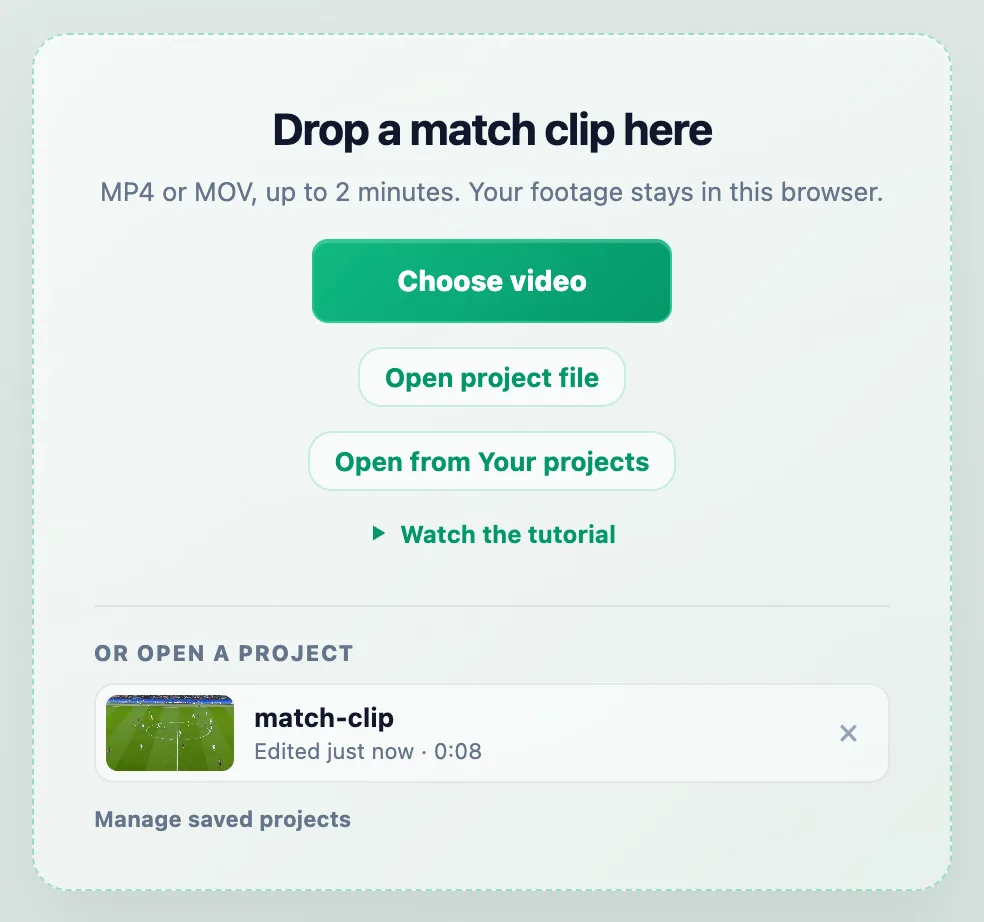
Your clip is never uploaded. That keeps it private, but it means a project in one browser isn't automatically on another computer: use a project file or Your projects (below) to move it.
Save
Press Save (⌘S) in the header. Save as… (⌘⇧S) saves a copy under a new name.
Saving also writes a project file, drawtactics-<name>.dtvideo. In Chrome and Edge the same file is updated each time you save; other browsers download a new copy. The project file holds your analysis but not the clip.

Save to Your projects
The cloud button in the header saves the project to your DrawTactics account, and it then saves again after each change. Only the analysis is saved to your account, never the video.
Open it again from Your projects on any computer. If that browser doesn't have the clip, the editor asks you to choose it.
Open a project on another computer
- Open Video Analysis and choose Open project file (or drop the
.dtvideofile on the editor), or open it from Your projects. - Choose the original clip when asked. If you choose a different clip, the editor warns you when its length or size doesn't match.
If this browser already has a newer version of the same project, the editor offers that instead.
When the browser is short of space
If the browser has no room to keep the clip, the project is saved without it and the clip lasts for this visit only; the header says so. Your analysis is still saved. In Safari's Private Browsing, projects are always kept without the clip.
Something missing, wrong or unclear? Tell us and we'll fix it.