
Keyboard shortcuts
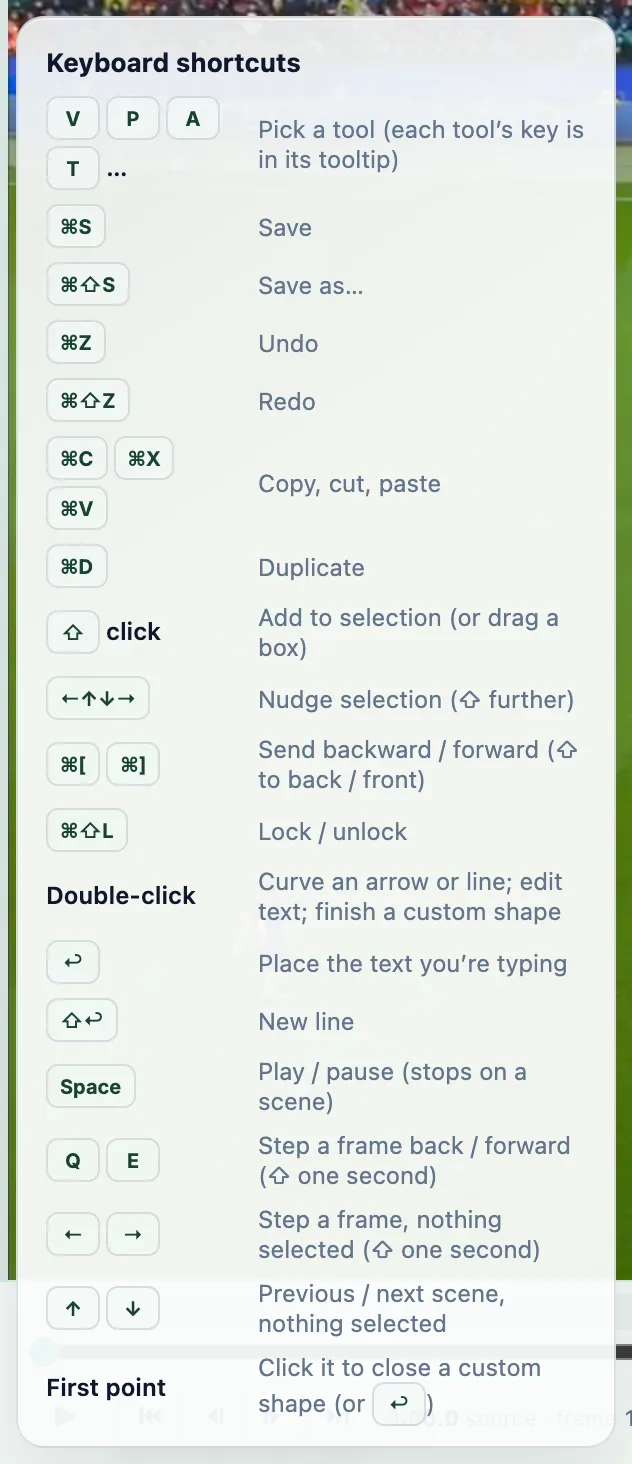
Every keyboard shortcut in Video Analysis, for picking tools, editing drawings and moving through the clip.
On Windows, use Ctrl where these say ⌘, and Alt for ⌥. The ⌘ button at the bottom of the tool rail shows this list in the editor.
Tools
| Key | Tool |
|---|---|
| V | Select |
| P | Player |
| S | Spotlight |
| I | Vision |
| M | Move player |
| T | Text |
| A | Arrow / Line |
| G | Shape |
| O | Circle |
| U | Blur |
| L | Offside line |
| Z | Pitch zones |
Editing
| Keys | What they do |
|---|---|
| ⌘S | Save |
| ⌘⇧S | Save as… |
| ⌘Z | Undo |
| ⌘⇧Z | Redo |
| ⌘C ⌘X ⌘V | Copy, cut, paste |
| ⌘D | Duplicate |
| ⇧-click | Add to the selection (or drag a box) |
| Arrow keys | Nudge the selection (⇧ further) |
| ⌘[ ⌘] | Send backward / forward (⇧ to back / front) |
| ⌘⇧L | Lock / unlock |
| Double-click | Curve an arrow or line; edit text; finish a shape |
| ⌫ | Delete the selection, or a shape's last point |
| Esc | Cancel what's in progress, leave pitch mapping or curve mode, deselect |
Text
| Keys | What they do |
|---|---|
| ↩ | Place the text you're typing |
| ⇧↩ | New line |
| Esc | Throw the text away |
Players
| Keys | What they do |
|---|---|
| B | The next player starts a new chain (or ⌥-click) |
| Click the first player | Close a chain of players into a shape |
Playing and moving through the clip
| Keys | What they do |
|---|---|
| Space | Play / pause (stops on a pause) |
| Q E | Step a frame back / forward (⇧ a second) |
| ← → | Step a frame, with nothing selected (⇧ a second) |
| ↑ ↓ | Previous / next pause, with nothing selected |
Pitch mapping by hand
While the mapping card is open, ⌘Z, ⌫ and Delete take back the last point, and Esc cancels. Other keys do nothing, so a stray key can't lose your points.
Something missing, wrong or unclear? Tell us and we'll fix it.