
Areas, lines and equipment
Mark out training areas and lines, split them into zones, show their sizes, and place cones, goals, mannequins and more.
Open Set-up in the rail.
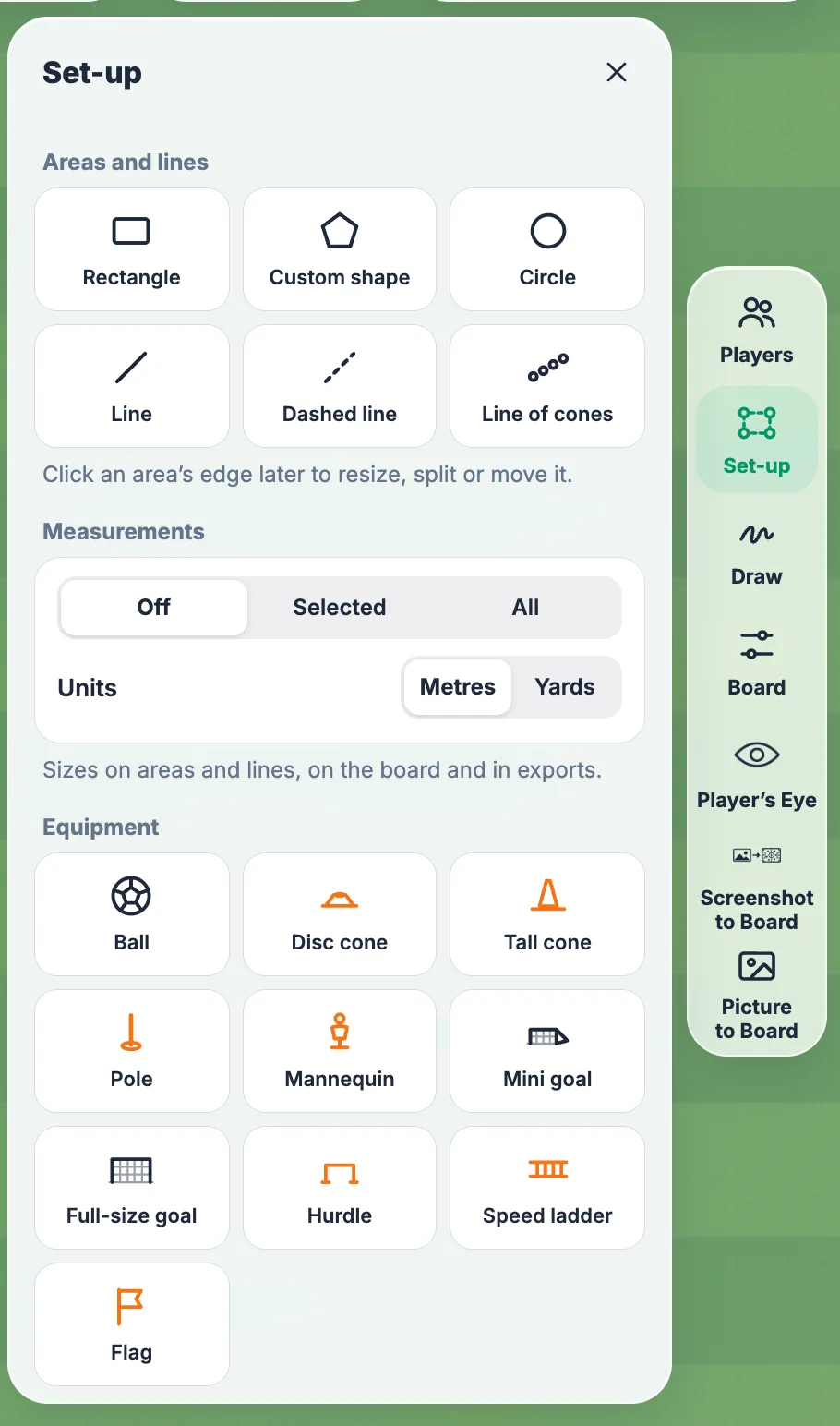
Areas and lines
Pick Rectangle, Custom shape, Circle, Line, Dashed line or Line of cones, then draw on the pitch. Areas and lines stay on every step.
Select an area to change it, or drag its edge to resize it:
- Split: No split, Halves, Thirds, Grid 2 × 2, Grid 3 × 3, Grid 4 × 3, 3 channels, 5 channels, End zones or Centre box, across the length or the width. A circle splits only into halves.
- Marked with: Painted lines, Cones, or Lines and cones.
- Zoom to this area frames the camera on it; Show the whole pitch goes back.
- Delete area.
A line can be a Painted line, a Dashed line or a Line of cones.
When a board has areas, Board › Show › Fade pitch lines makes the pitch's own markings fainter.
Measurements
Measurements: Off, Selected (sizes on the area or line you've selected) or All. Units: Metres or Yards. Sizes show on the board and in exports.
Equipment
Pick Ball, Disc cone, Tall cone, Pole, Mannequin, Mini goal, Full-size goal, Hurdle, Speed ladder or Flag, choose a colour, then click the pitch to place it.
Select an item to change its colour, Turn it a quarter turn, duplicate it or delete it.
Balls are in every step: drag one to where it goes in each.
Something missing, wrong or unclear? Tell us and we'll fix it.