
U5–U6 practice plan
Lots of touches and short, fun games. Every player has a ball for most of practice. Keep instructions under 30 seconds.
- Warm-upDribbling games where everyone has a ball
- SkillDribbling through gates
- Scrimmage3v3 to small goals
Plan a practice in four blocks: warm-up, skill work, a game-like practice and a scrimmage. Draw each drill, add your coaching points, then print the plan or save it as a PDF.
Make your practice plan, freeIt opens in the free DrawTactics session planner. Nothing to install.
Most good practices follow the same shape: start simple, add opponents, then let them play. Here is the template for a 60-minute practice, with what each block is for and what to write down.
| Block | Time | What it is for | What to write down |
|---|---|---|---|
| Warm-up | 10 min | Gets every player moving with a ball, ideally already working on the topic. | Space size, equipment, one coaching point |
| Skill practice | 15 min | Repeats the skill of the day with little or no pressure from opponents. | Setup, how players rotate, two or three coaching points |
| Game-like practice | 15 min | The same skill against opponents, with a direction and a way to score. | Rules, scoring, one way to make it harder and one to make it easier |
| Scrimmage | 20 min | Lets them play. The skill should show up naturally in the game. | Team sizes, field size, what you are watching for, the question you ask at the end |
Practice length, game format and focus change a lot between age groups. Use these as a starting point, then adapt them to your players. Each sample links to a drill with a diagram you can copy.
Lots of touches and short, fun games. Every player has a ball for most of practice. Keep instructions under 30 seconds.
Dribbling, turning and shooting. Introduce simple passing, but let players solve problems with the ball at their feet.
Passing and receiving, 1v1 and 2v1 attacking, and first ideas about spreading out to make the field big.
Keeping possession, receiving on the half-turn, switching play and simple roles in each position.
Team shape, pressing together, transition and playing out from the back.
Game formats follow the small-sided standards most US youth leagues use. Check your own league's rules for field size and team numbers.
The planner takes you through the same steps in order.
Write the one thing you want players to get better at and the age group you are coaching.
Name each block, set its minutes and check the total fits your practice slot.
Place players, cones and goals, and draw the passes and runs. A diagram saves minutes of explaining.
Download the PDF to take to the field, or send it to your assistant coaches before practice.
Need drills to fill the plan? Browse the soccer drill library, or draw your own on the free tactics board.
With a DrawTactics membership, every practice plan is saved to your account and organized in folders. Build drills from your own boards and animations, send a link that players, parents or other coaches open without an account, and run practice from a tablet with a timer for each drill.
See what the Session Planner addsMembers can animate a drill in the Animator so players see the rotations and runs before they step on the field. The animation plays inside the practice plan and on the link you send.
Explore the animated tactics board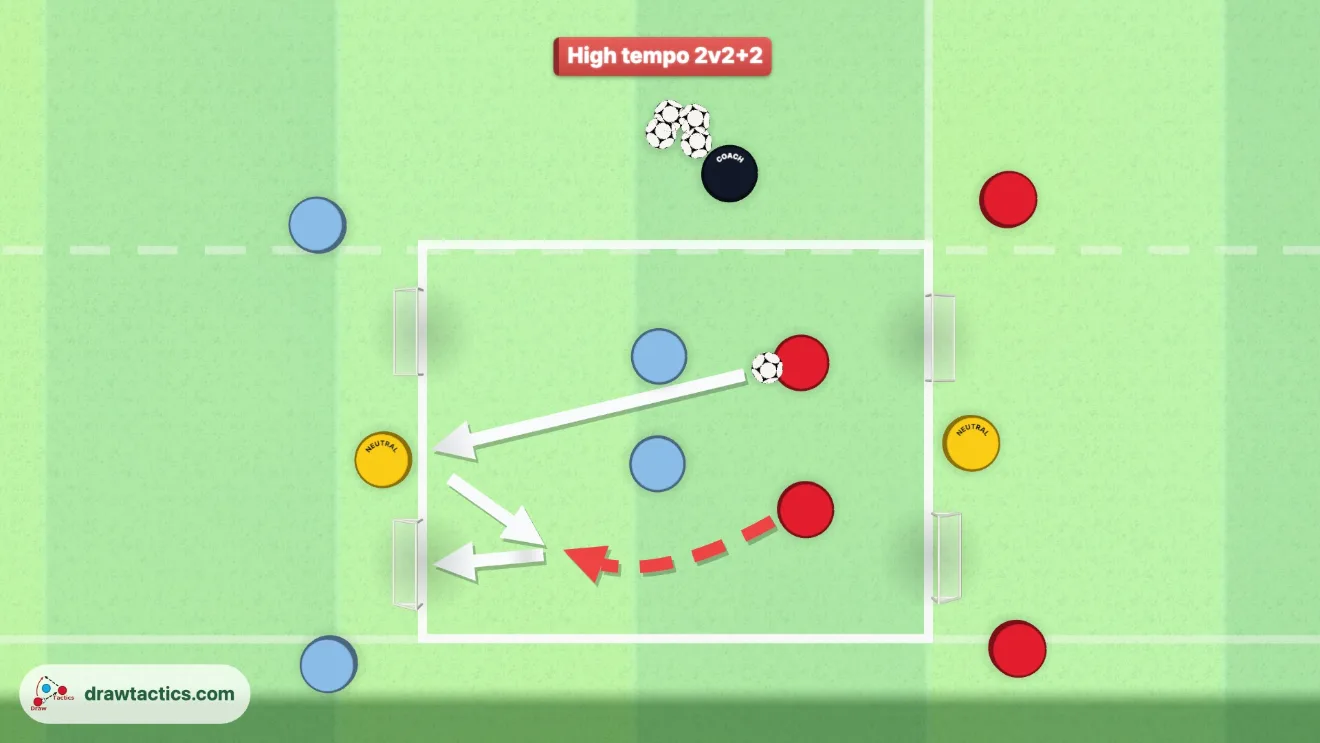
Yes. You can plan a full practice with up to four blocks and a drill diagram for each, free. Downloading the PDF or PNG needs a free DrawTactics account, and downloads carry a small DrawTactics logo.
As a rough guide, about 45 minutes for U6 and younger, about an hour for U7 to U10, and 75 to 90 minutes from U11 up. Younger players need more short breaks and more time on the ball, not longer practices.
One topic for the day, the blocks in order with their times, the field size and equipment, a diagram of each drill, two or three coaching points per block, and a way to make each drill easier or harder.
Yes. Download the plan as a PDF and print it, or save the PNG to take to the field.
Yes. Download the PDF or PNG and send it in your team chat or by email. DrawTactics members can share a link from the Session Planner instead: players, parents or other coaches open it without an account and see every drill, with the animations playing.
Your current plan saves automatically in your browser. With a free account you can keep up to five named plans on that device. DrawTactics members plan in the Session Planner, where every practice is saved to their account and opens on any computer or tablet.
Draw the drills, add the coaching points, and take a printed plan to the field. Free.
Make your practice planAlso see soccer coaching software and our free coaching tools.