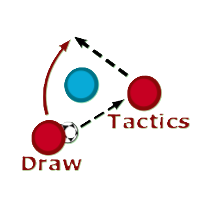
When you open the Tactics Board, you'll see a full football pitch with an intuitive toolbar on the left side. All your drawing tools are organized by function to help you work efficiently.
The board starts with eleven a side, but you can delete and add players as you wish. Drag a player to move it around the pitch. Select one or multiple players to change their colours in the sidebar.
To curve arrows or change start/end points:
This is your default mouse cursor. Remember to toggle this back on before trying to select an object.
To curve arrows or change start/end points:
Ability to resize and rotate shapes will be added soon
If you have questions, suggestions, problems, or feedback, please don't hesitate to contact me.
Email: jm@drawtactics.com
X: @JMftbl